







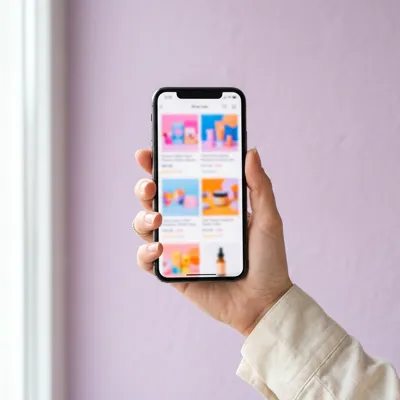
How do I label an AI image?
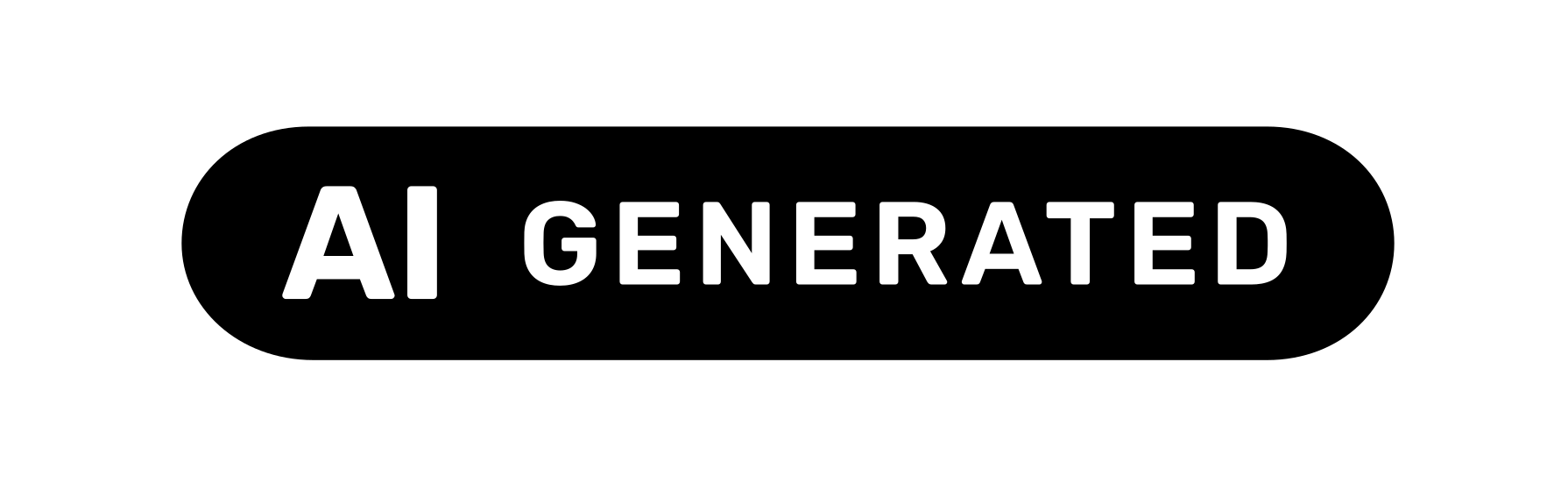
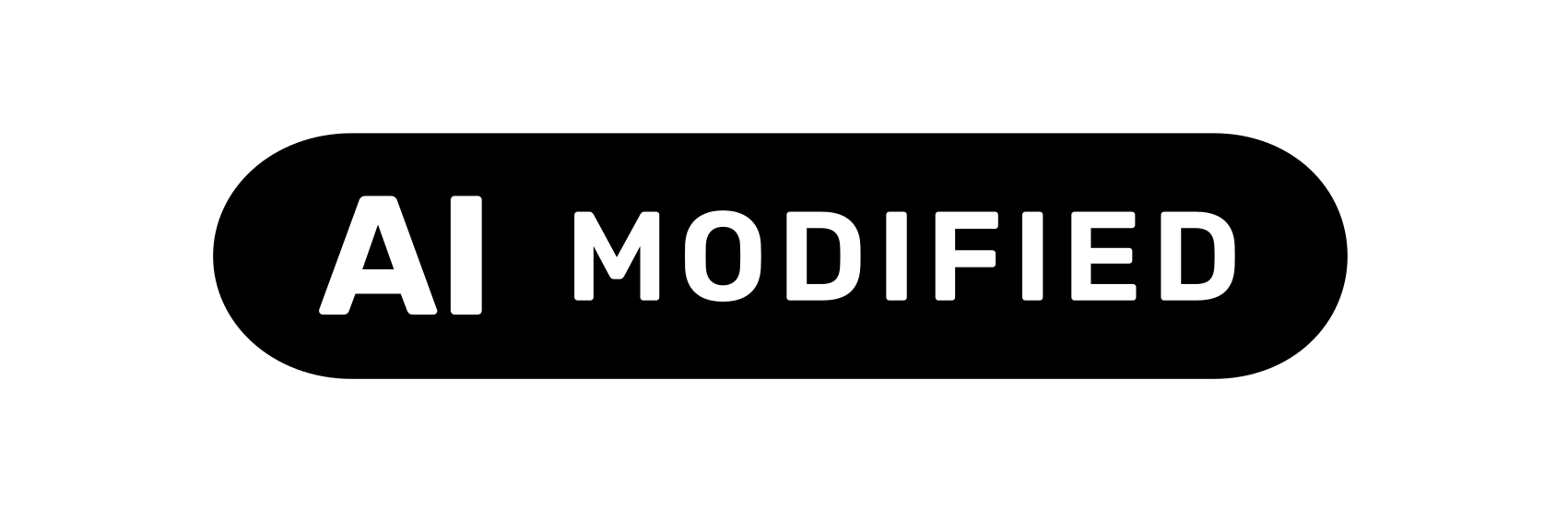
Drop the image into the tool, choose “AI-generated” or “AI-modified”, set position and language, download. The label shows the Commission’s EU icon “AI” and a short text.
Drop your image, pick a label, download it ready to use: with the Commission’s EU icon and text in 24 languages. Your image never leaves your device. On Shopify, our app labels your whole store automatically.
Put a label with the EU icon on your image and download it. Your first 3 images without sign-up, then with a free account.
Label nowProduct pages, cards, banners and blog, with a record of every decision. No coding, free for up to 10 images.
Shopify appSee what the file says: Content Credentials, IPTC note, generator. Up to 50 images at once.
Check an imageTop right, visible at once, with an explanation on click. As the European Commission’s Code of Practice recommends.

 AI-generated
 AI-generated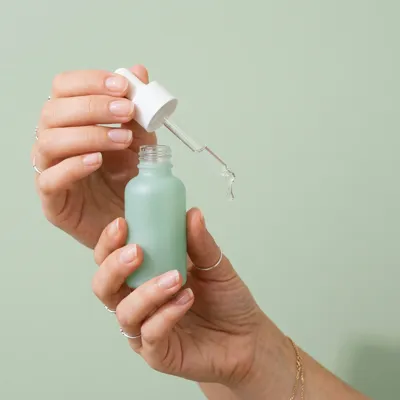
 AI-generated
 AI-generated
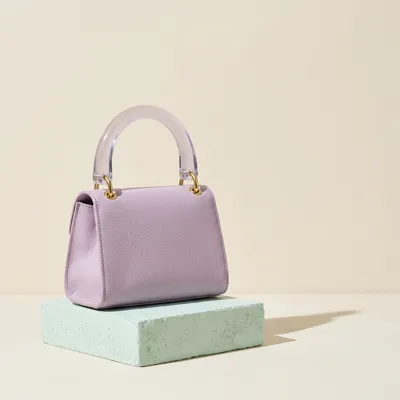 AI-generated
No software, no account for your first images, no file leaves your device.
Everything runs in your browser. Texts, icons and metadata each have their own tool.
Drop an image, pick a label, download. EU icon and text in 24 languages.
Open →24 languagesLabel, explanation and alt text, ready to copy.
Open →DownloadThe Commission's three icons as SVG and PNG.
Open →Any websiteOne script tag, and marked images get their label.
Open →MetadataShows whether your image carries AI traces: C2PA, IPTC, generator.
Open →QuestionnaireA few questions from the EU guidelines, answered with a citation.
Open →For GoogleWrites the IPTC entry Google Merchant Center asks for.
Open →C2PAWho made the image, with what, and is the signature valid?
Open →Explained briefly, with the European Commission’s sources.
Article 50 AI Act in plain words, with the exceptions.
Read →In your storeSize, position, contrast and wording under the Code of Practice.
Read →BasicsWhere image editing ends and the obligation begins.
Read →Deadlines2 August 2026 for retailers, 2 December 2026 for AI providers.
Read →22 online retail images, classified under the guidelines. Each with a result and a citation.
You photograph your clothes on a mannequin or laid flat. An AI tool adds a realistic model who does not exist.
Labelling requiredTypical caseThe product photo is real and unchanged. The AI only replaces the background with a decorative surface or setting.
Not required under the guidelinesTypical caseThe AI removes the background of a real product photo. What remains is the product on white or on a transparent background.
Not required under the guidelinesTypical caseThe room photo is real. The AI furnishes the empty room and places furniture, rugs and your products in it.
Labelling requiredOne script tag, and marked images carry their label. Guides for 12 store systems and 8 platforms.
Product pages, cards, banners and blog. Free for up to 10 images.
Read →Store systemsShopify as an app, everything else with the free widget.
View →PlatformsWhat platforms require and label themselves.
View →WorldwideChina, India, California and more at a glance.
View →Drop the image into the tool, choose “AI-generated” or “AI-modified”, set position and language, download. The label shows the Commission’s EU icon “AI” and a short text.
Yes, if they look real and can mislead, such as AI models or photorealistic product images (Article 50(4) AI Act). Cut-outs and purely decorative AI backgrounds are generally not covered under the guidelines. Check your case
The tools are free. Your first 3 images need no sign-up; for more, a free account is enough. The Shopify app is free for up to 10 images, then from $6.99 a month.
No. The label is created in your browser and your image never leaves your device. Existing metadata is kept in the new file.
Label single images with the tool, or add the free widget to Shopware, WooCommerce, Wix or any other store. Guides per store system

Free in your browser, with the EU icon and text in 24 languages. On Shopify, the app labels your whole store.
No upload. Your first 3 images without sign-up.